




Course Description
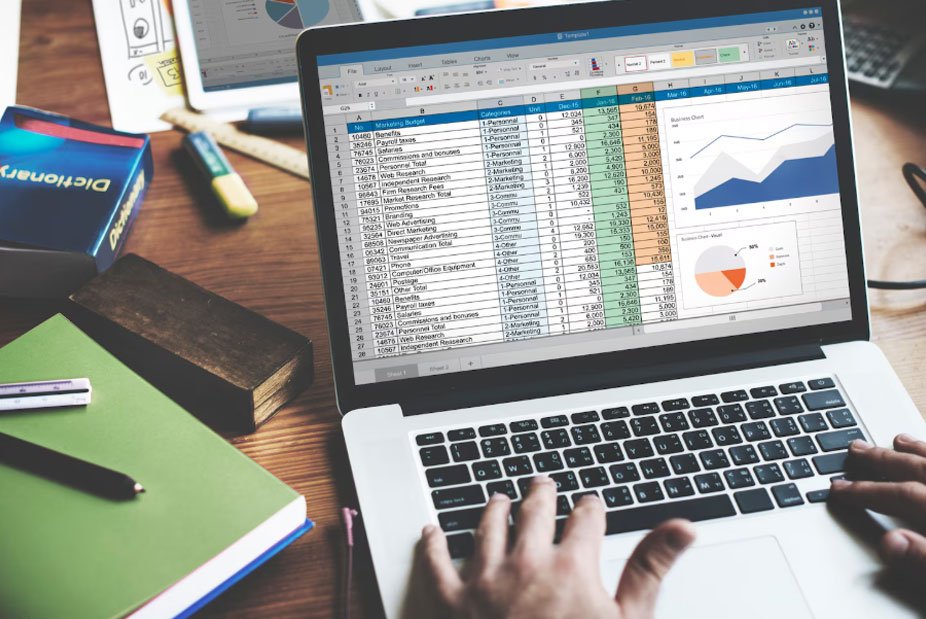
Excel for Students Mastery is a practical skill-based course designed to help students learn Microsoft Excel from basics to advanced level.
Students will learn how to create spreadsheets, perform calculations, use formulas, analyze data, create charts, and build simple dashboards. This course is highly useful for academic work, projects, and future job skills.
Learning Outcomes
✅ Master Excel basics and interface
✅ Use formulas and functions
✅ Create tables and charts
✅ Perform data analysis
✅ Build simple dashboards
✅ Improve academic productivity
Course Curriculum
Module 1: Introduction to Excel
Duration: 1.5 Hours
Lessons
- What is Excel?
- Excel Interface Overview
- Workbook vs Worksheet
- Basic Navigation
Assignment
- Create First Spreadsheet
Module 2: Basic Data Entry & Formatting
Duration: 2 Hours
Lessons
- Entering Data
- Formatting Cells
- Fonts & Styles
- Alignment Tools
Assignment
- Create Student Marksheet
Module 3: Basic Formulas
Duration: 3 Hours
Lessons
- SUM, AVERAGE
- MIN, MAX
- Simple Calculations
- AutoFill Feature
Assignment
- Marks Calculation Sheet
Module 4: Important Functions
Duration: 3 Hours
Lessons
- IF Function
- COUNT & COUNTA
- VLOOKUP Basics
- Logical Functions
Assignment
- Result Analysis Sheet
Module 5: Data Organization
Duration: 2 Hours
Lessons
- Sorting Data
- Filtering Data
- Tables Creation
- Data Cleaning Basics
Assignment
- Organize Dataset
Module 6: Charts & Graphs
Duration: 2 Hours
Lessons
- Column Charts
- Pie Charts
- Line Graphs
- Data Visualization Basics
Assignment
- Create Performance Chart
Module 7: Advanced Excel Basics
Duration: 3 Hours
Lessons
- Conditional Formatting
- Data Validation
- Basic Pivot Tables
- Sheet Linking
Assignment
- Student Dashboard
Module 8: Mini Projects
Duration: 2 Hours
Projects
- Student Report Card
- Budget Tracker
- Attendance Sheet
Module 9: Productivity Tips
Duration: 1.5 Hours
Lessons
- Shortcuts
- Efficiency Tips
- Error Fixing
- Time Saving Tricks
Module 10: Final Project
Duration: 2–3 Hours
Tasks
- Build Complete Excel Dashboard
- Create Analytical Report
- Present Data Summary
Bonus Resources Included
Templates
- Marks Calculator Sheet
- Attendance Tracker
- Budget Planner
- Excel Formula Cheat Sheet
- Dashboard Templates
Worksheets
- Practice Data Sets
- Formula Practice Sheets
- Daily Exercises
Checklists
- Excel Skill Checklist
- Formula Mastery Tracker
- Project Completion Checklist
Certification
Excel for Students Mastery Certificate
Requirements:
- Complete All Modules
- Submit Final Excel Project
- Pass Basic Test
- Score 70% or Above
Landing Page Sales Copy
Learn Excel Skills That Every Student Needs
Master Microsoft Excel from basics to advanced level and improve your academic performance, data skills, and career readiness.
What You'll Learn
✔ Excel Basics
✔ Formulas & Functions
✔ Data Analysis
✔ Charts & Graphs
✔ Dashboards
✔ Productivity Skills
✔ Real Project Practice
Explore Courses By
Roboth Smith
 School & Academic Preparation

 School & Academic Preparation
 University Entrance



Take the Next Step
in Your Career
Get in Touch and
Start Learning Today
Gain valuable skills, stay ahead in your field, and accelerate your professional growth through engaging courses designed by experts. Study at your own pace, whenever it suits you.
GET STARTED GET STARTED