




Course Description
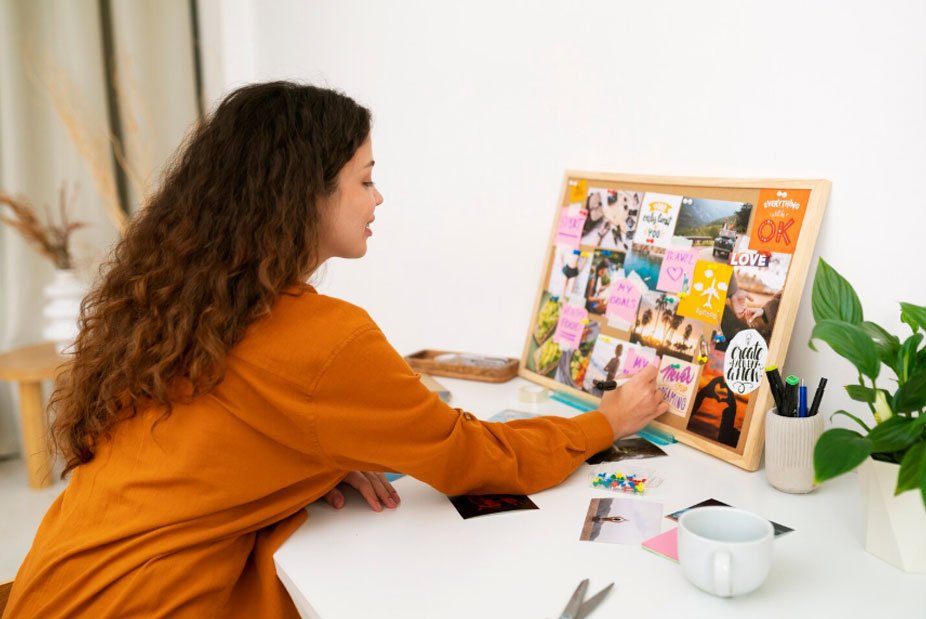
Canva Mastery Course is a complete beginner-friendly training program designed to help learners create professional-quality designs without needing advanced graphic design skills.
Students will learn how to design social media posts, logos, presentations, posters, resumes, YouTube thumbnails, ads, and branding materials using Canva.
This course is perfect for beginners who want to start freelancing, grow their social media presence, or create professional business designs quickly and easily.
Learning Outcomes
✅ Master Canva tools & interface
✅ Create professional social media designs
✅ Design logos, posters & banners
✅ Build presentations & resumes
✅ Create marketing creatives
✅ Learn branding basics
✅ Build freelance-ready design skills
Course Curriculum
Module 1: Introduction to Canva
Duration: 1.5 Hours
Lessons
- What is Canva?
- Canva Interface Overview
- Free vs Pro Features
- Design Basics
Assignment
- First Design Creation
Module 2: Canva Tools Mastery
Duration: 2 Hours
Lessons
- Templates & Elements
- Text & Fonts
- Colors & Backgrounds
- Uploading Assets
Assignment
- Basic Design Practice
Module 3: Social Media Design
Duration: 3 Hours
Lessons
- Instagram Posts
- Facebook Ads
- YouTube Thumbnails
- Reels Covers
Assignment
- Social Media Pack Creation
Module 4: Logo Design in Canva
Duration: 2 Hours
Lessons
- Logo Principles
- Simple Logo Creation
- Brand Identity Basics
- Exporting Files
Assignment
- Create 3 Logos
Module 5: Presentation Design
Duration: 2 Hours
Lessons
- PowerPoint Style Slides
- Business Presentations
- Educational Slides
- Visual Storytelling
Assignment
- Create Presentation Deck
Module 6: Resume & Portfolio Design
Duration: 2 Hours
Lessons
- Resume Templates
- Portfolio Design
- Professional Formatting
- Personal Branding
Assignment
- Design Resume
Module 7: Marketing Designs
Duration: 2 Hours
Lessons
- Posters & Flyers
- Business Ads
- Promotional Creatives
- Sales Graphics
Assignment
- Marketing Campaign Design
Module 8: Branding Basics
Duration: 2 Hours
Lessons
- Color Selection
- Fonts & Typography
- Brand Kit Creation
- Consistency in Design
Assignment
- Brand Identity Kit
Module 9: Content Creation for Social Media
Duration: 2 Hours
Lessons
- Content Planning
- Post Scheduling Designs
- Viral Design Techniques
- Engagement Creatives
Assignment
- 7-Day Content Pack
Module 10: Freelancing with Canva
Duration: 2 Hours
Lessons
- Fiverr & Upwork Setup
- Client Communication
- Pricing Designs
- Getting First Clients
Assignment
- Freelance Profile Setup
Module 11: Advanced Canva Projects
Duration: 2 Hours
Lessons
- Business Branding Kit
- Ad Campaign Design
- Client Projects Simulation
- Advanced Layouts
Assignment
- Full Brand Project
Module 12: Final Canva Project
Duration: 3 Hours
Tasks
- Complete Brand Identity
- Social Media Kit
- Marketing Creatives
- Portfolio Submission
Bonus Resources Included
Templates
- 200+ Canva Templates Pack
- Social Media Post Templates
- Resume Templates
- Logo Ideas Pack
- Branding Kit Samples
Worksheets
- Daily Design Practice Sheet
- Content Planning Sheet
- Freelancing Pricing Guide
- Brand Strategy Workbook
Checklists
- Canva Skills Checklist
- Design Project Checklist
- Freelancing Setup Checklist
- Portfolio Checklist
Certification
Canva Mastery Certificate
Requirements:
- Complete All Modules
- Submit Final Design Project
- Pass Evaluation Test
- Score 70% or Above
Landing Page Sales Copy
Learn Canva & Start Creating Professional Designs Without Any Experience
Master Canva and create stunning social media posts, logos, posters, presentations, and branding designs for personal or business use.
What You'll Learn
✔ Canva Tools & Interface
✔ Social Media Design
✔ Logo & Branding Design
✔ Presentation Design
✔ Resume & Portfolio Design
✔ Marketing Creatives
✔ Freelancing Skills
Explore Courses By
Roboth Smith
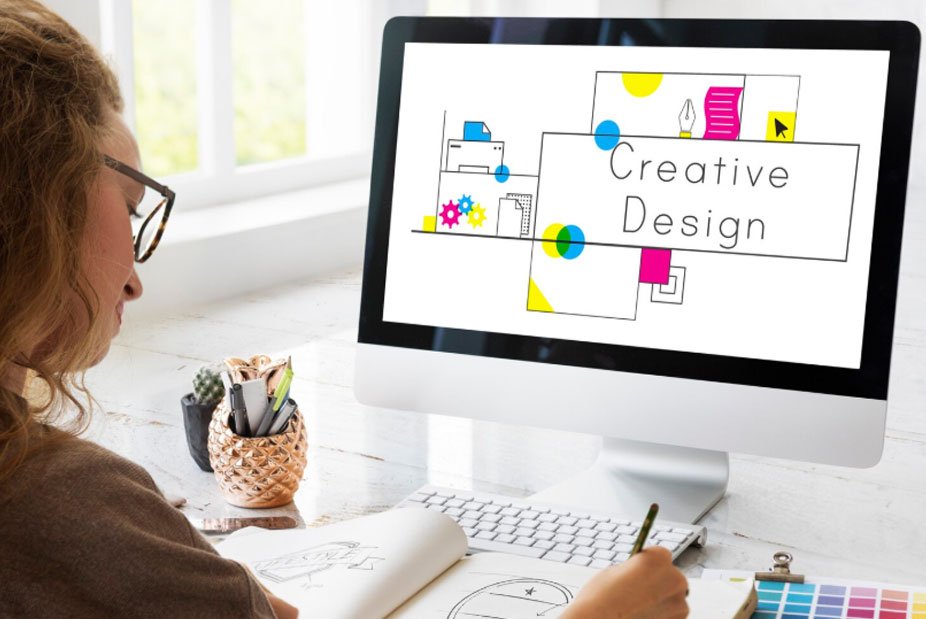 Designing
 Designing
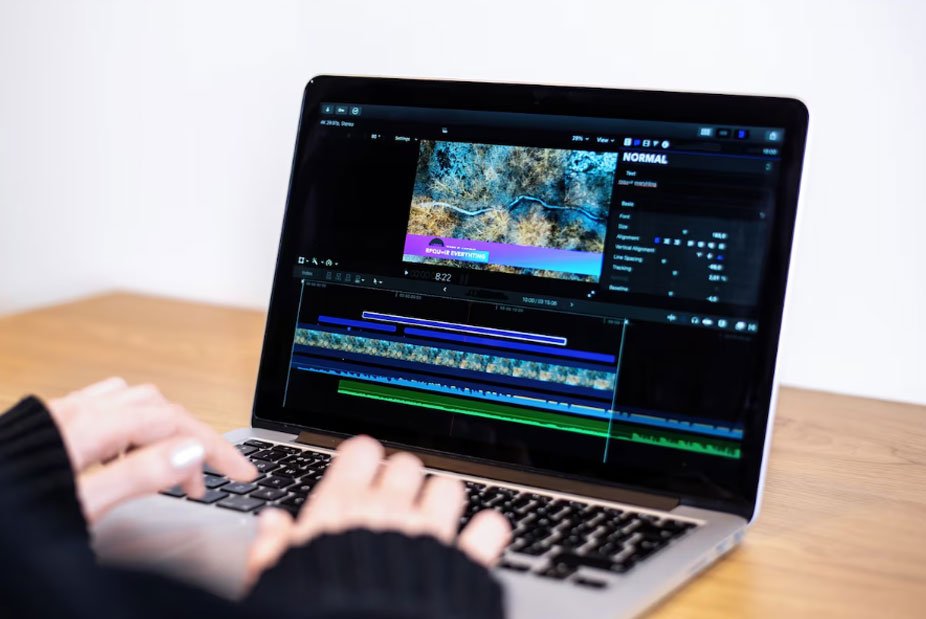 Video Creation
Take the Next Step
in Your Career
Get in Touch and
Start Learning Today
Gain valuable skills, stay ahead in your field, and accelerate your professional growth through engaging courses designed by experts. Study at your own pace, whenever it suits you.
GET STARTED GET STARTED